One vote per viewer.
Signed-in viewers get one current vote per matchup, enforced on the server with unique constraints, rate limits and idempotent requests. Participants cannot vote for themselves. Ties and cancelled contests create no win or loss.
 STICKDEATHINFINITY
Community
There is no chat, no calls and no camera sharing in StickDeath Infinity. Instead, collaboration happens on a specific project you choose to share, contests are decided by viewers watching two videos, and nothing you make is published without your explicit permission for that exact render.
Built in the app and backendLive after the owner's backend installDeliberately not built
Discord · #StickDeath_Infinity
The app itself has no chat. Conversation happens on the official StickDeath Infinity Discord server: guides, support, open discussion, troubleshooting, release notes and show-and-tell. It is run by the StickDeath Infinity team under Discord's own terms and privacy policy.
Rooms
A room is one project shared on purpose. The creator picks the project and the permissions, then sends an invite through the system share sheet or as a code. The room owner approves admission before anyone sees a pixel.
War Room
Two creators submit rendered videos and both agree to the matchup. Viewers watch both and choose their favourite animation. The result comes from finalised, eligible votes and nothing else.
Signed-in viewers get one current vote per matchup, enforced on the server with unique constraints, rate limits and idempotent requests. Participants cannot vote for themselves. Ties and cancelled contests create no win or loss.
Submissions pass moderation, rights checks and reporting before anyone can watch. There are no comments and no chat; the contest is about the animation, not the person.
Win/loss records and badges are account-scoped and hidden until you turn them on. Hiding counts does not erase the internal contest record, and public video participation stays visible.
Status: the contest client, vote machine and SQL candidates exist with tests. No live matchups, votes or records are shown anywhere until the backend is installed; the app never invents sample scores or viewers.
Feed & challenges
The home feed lists renditions that passed moderation and the owner's approval of that exact render, paged from a stable snapshot. Challenges run on the server clock with a calendar view that handles time zones. Likes, follows and sharing are deliberate account actions.
Publishing
Saving, autosaving, reopening or exporting a project never uploads it. Publishing to the feed or the official StickDeath channel is a separate submission that shows you the exact video, the destination, its visibility, title, description, audio attribution and the small bottom-right watercolor mark, and asks for your permission for that render digest.
Official-channel publication and social-marketing reuse are recorded as separate permissions with plain-language scope. Refusing marketing never silently becomes consent through an invite or a local save.
You confirm rights to imported art, music, sound, footage and collaborators' work. A collaborator cannot grant another contributor's rights. Library sounds and pictures carry their credits into the receipt automatically.
Every job shows its real state and the resulting URL. You can cancel, retry, withdraw permission or request takedown. Copies already shared by third parties cannot be promised away, and the app says so.
Spatter-generated daily drafts stay private until the owner approves the exact render in the command center. Read the draft publishing permissions for the full scope; it is awaiting legal review.
Accounts
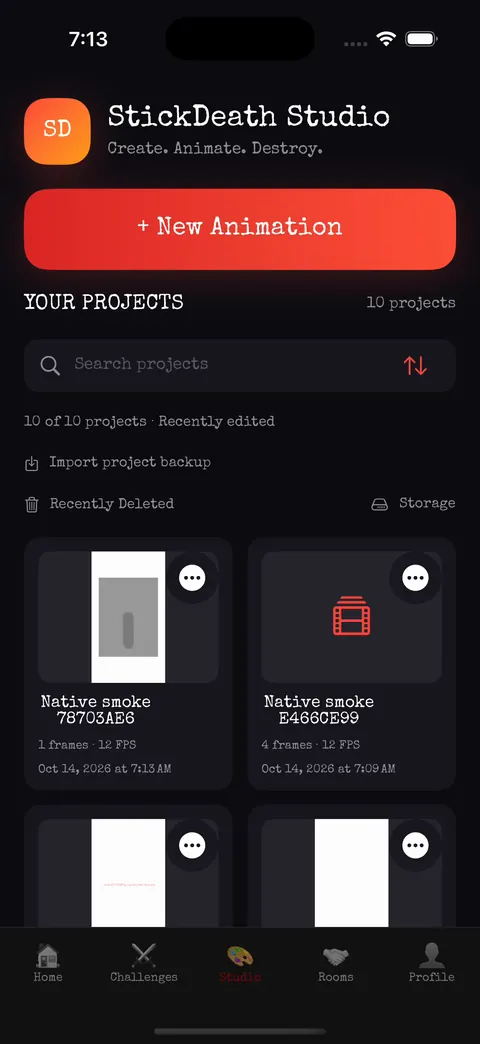
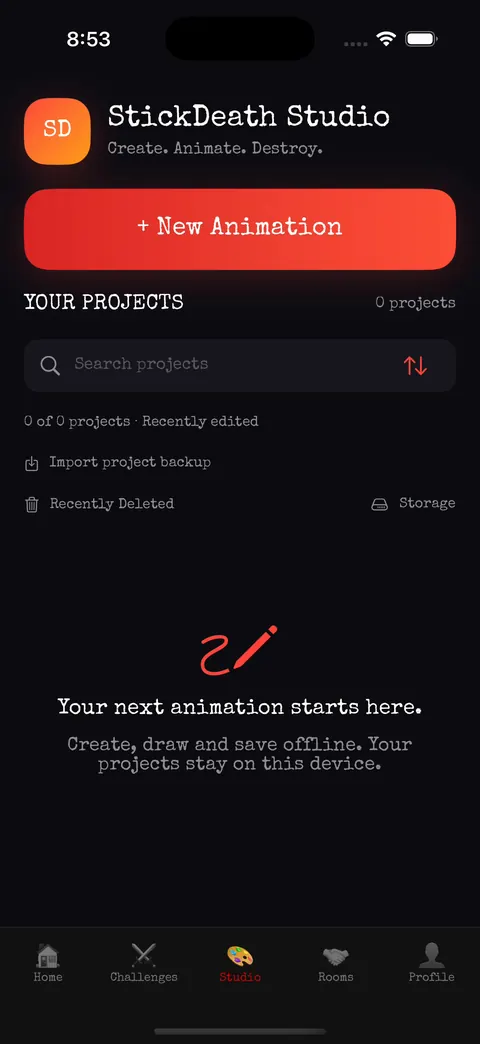
The Studio, sound library, pictures and export work without an account. Rooms, War Room, the feed, challenges and publishing need sign-in with Apple, Google, GitHub or Microsoft, with secure session restoration. Account deletion is requested in the app and completed by the service after a seven-day cooling-off period you can cancel.