Start with a line.
Pick a tool, tune it in the popup, and draw on an unlocked layer. Layer labels, opacity, lock modes and eighteen blend modes keep a scene organised.
Layers help → STICKDEATHINFINITY
Native iOS animation studio · prerelease
StickDeath Infinity is a frame-by-frame animation studio built natively for iPhone. Thirty drawing tools, layers with eighteen blend modes, onion skin, a four-track sound timeline and real movie export, all on your device.
Counts read from the app source on 2026-10-14. iOS is prerelease; Android is a native foundation in development.
The Studio
One white floating toolbar that snaps to either edge of the canvas. One options popup for whatever tool you are holding. Layers, frames, sound and export live a tap away, and nothing leaves your phone unless you export it.
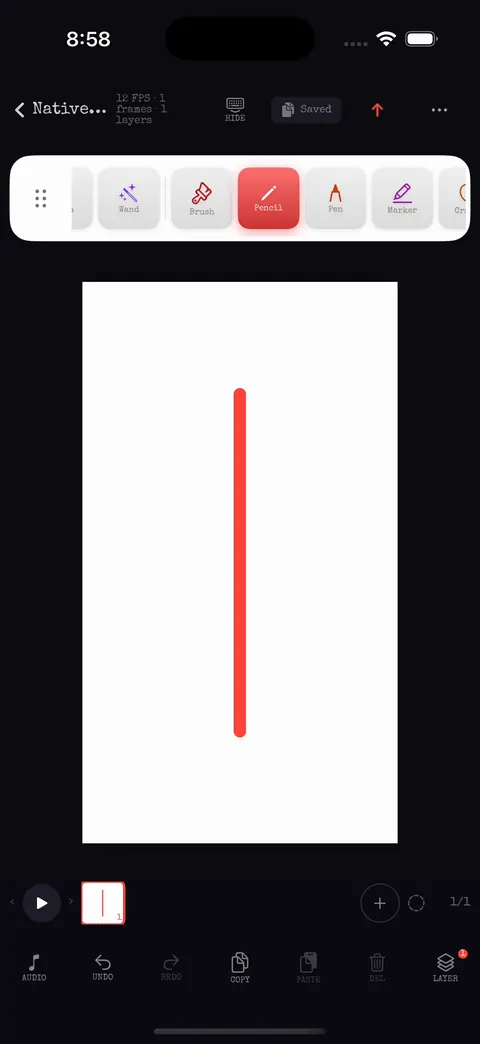
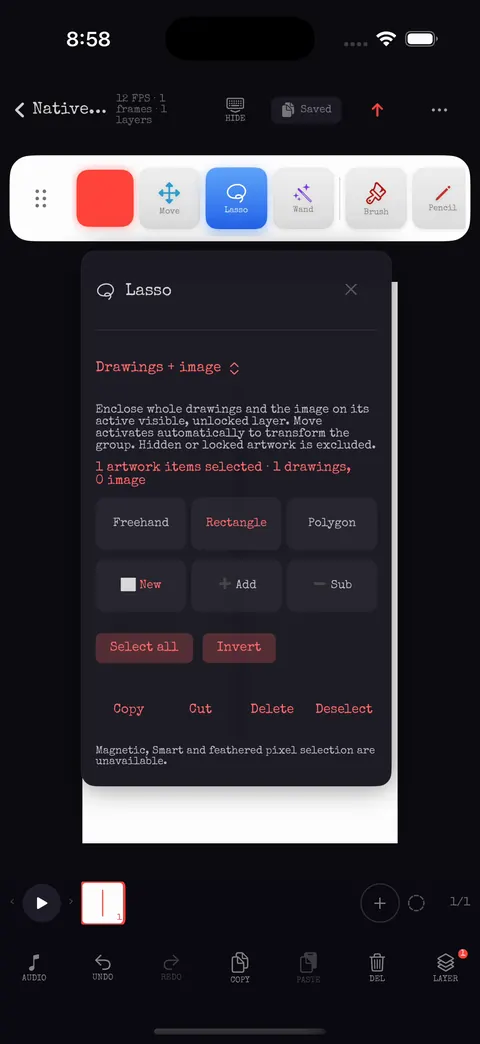
Pick a tool, tune it in the popup, and draw on an unlocked layer. Layer labels, opacity, lock modes and eighteen blend modes keep a scene organised.
Layers help →Add, duplicate and reorder frames, set exposure in ticks, retime a range, insert tweens with easing, and check motion with onion skin and the grid.
Frames & timing →Four audio tracks with measured waveforms, fades, pan and solo. Export MP4 with mixed AAC audio, looping GIF, PNG frames or a spritesheet.
Export help →By the numbers
Every number here is read from the repository on 2026-10-14, not from a marketing sheet.
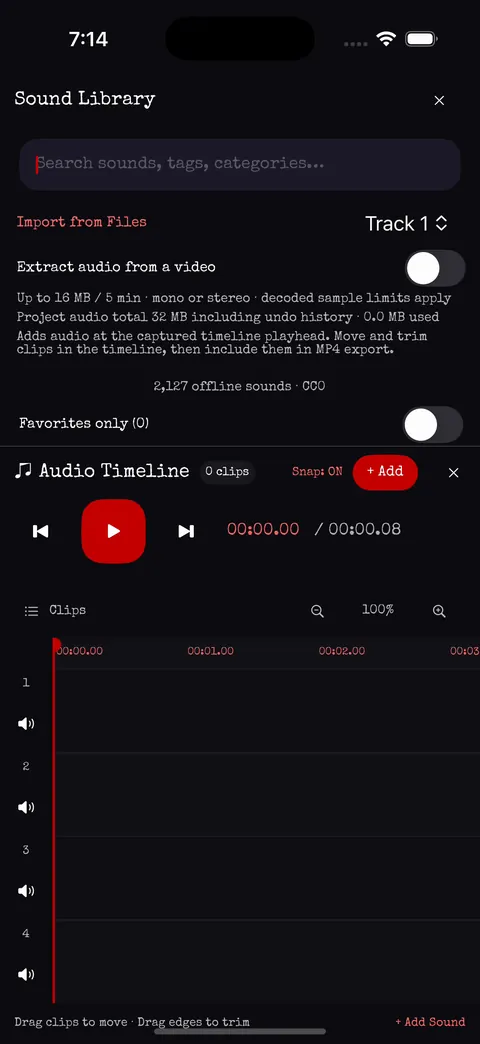
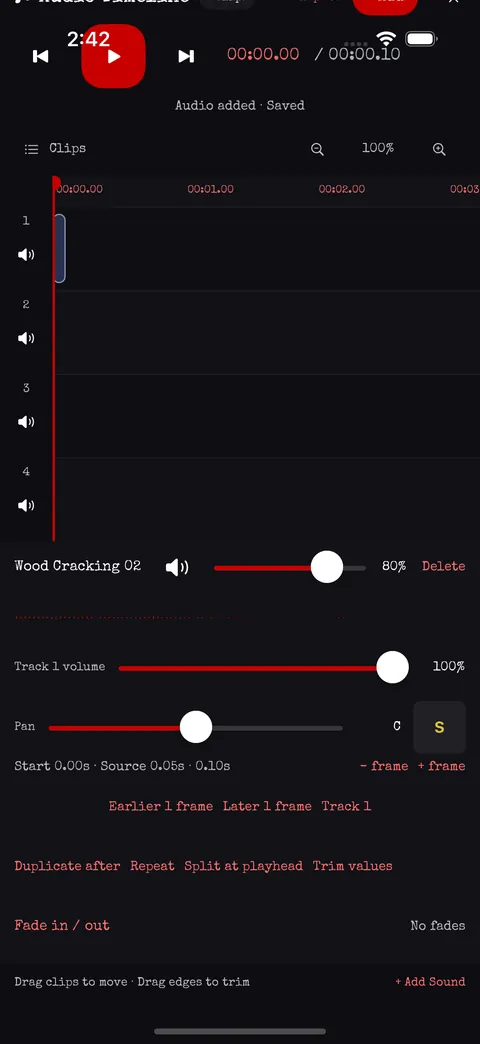
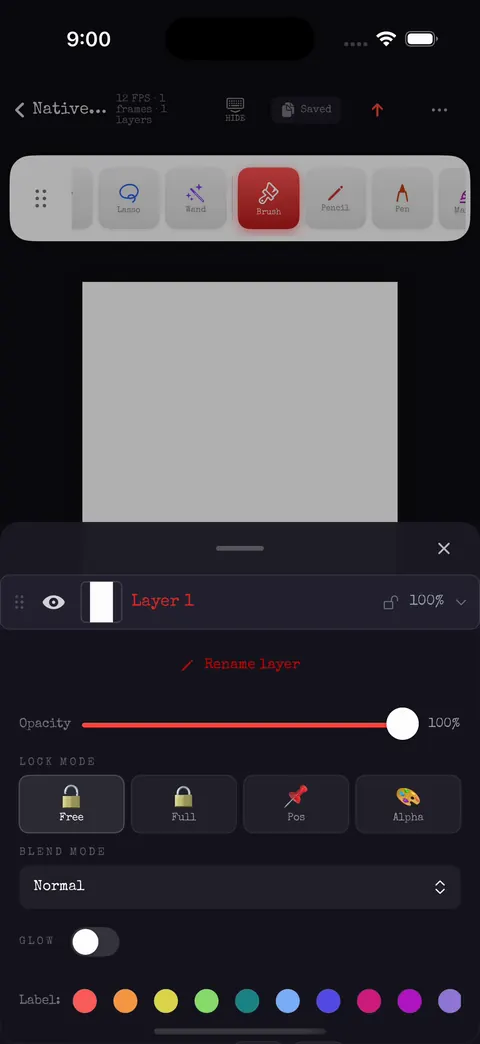
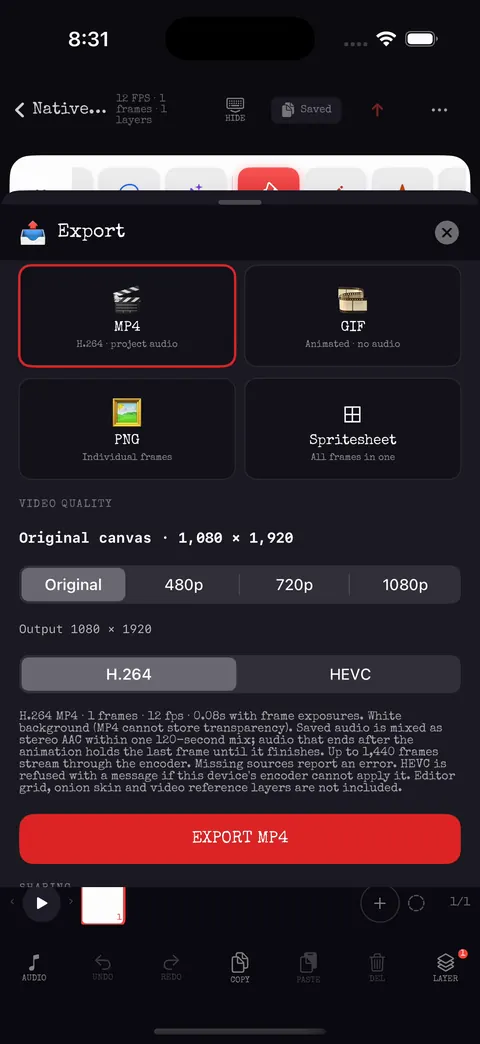
Captures are frames from the automated UI journeys that run on the iPhone simulator in continuous integration (source revision 39f29cb, run 38516791084, 2026-10-14; the waveform capture is from 960241f, 2026-10-12). Prerelease: controls and copy will keep changing.
See it work
Short clips cut from the automated UI journeys that run on the iPhone simulator in continuous integration (source 39f29cb, run 38516791084, 2026-10-14). No sound, no narration, no mock-ups: this is the app driving itself through a real project.
Store · coming soon
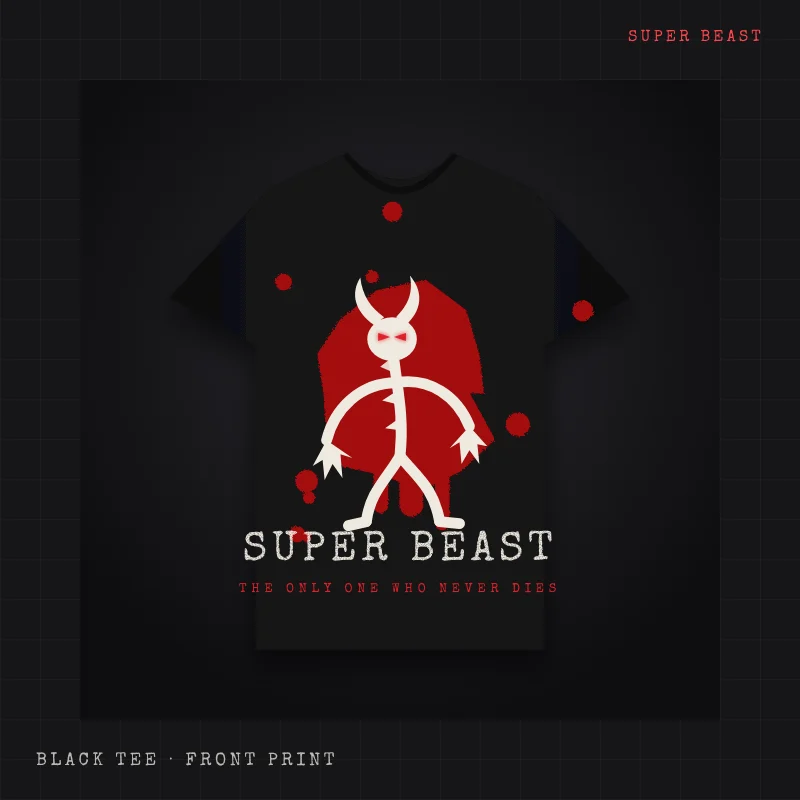
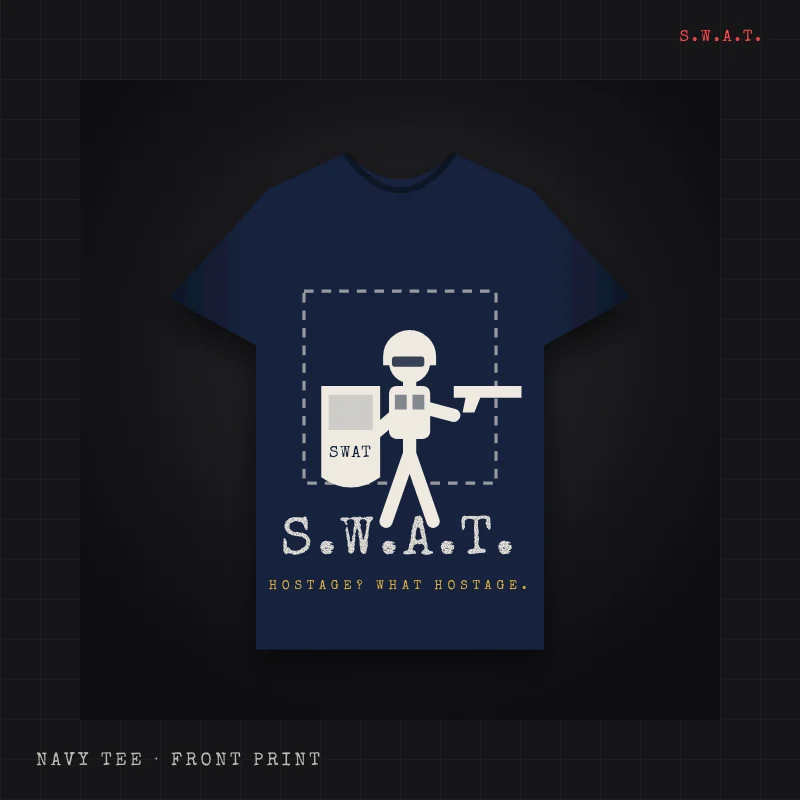
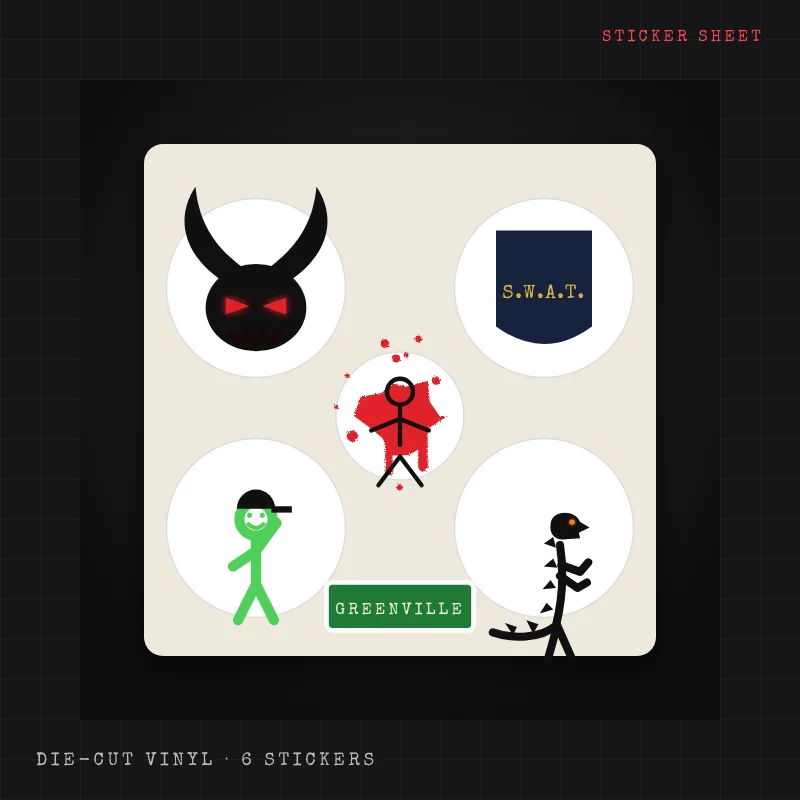
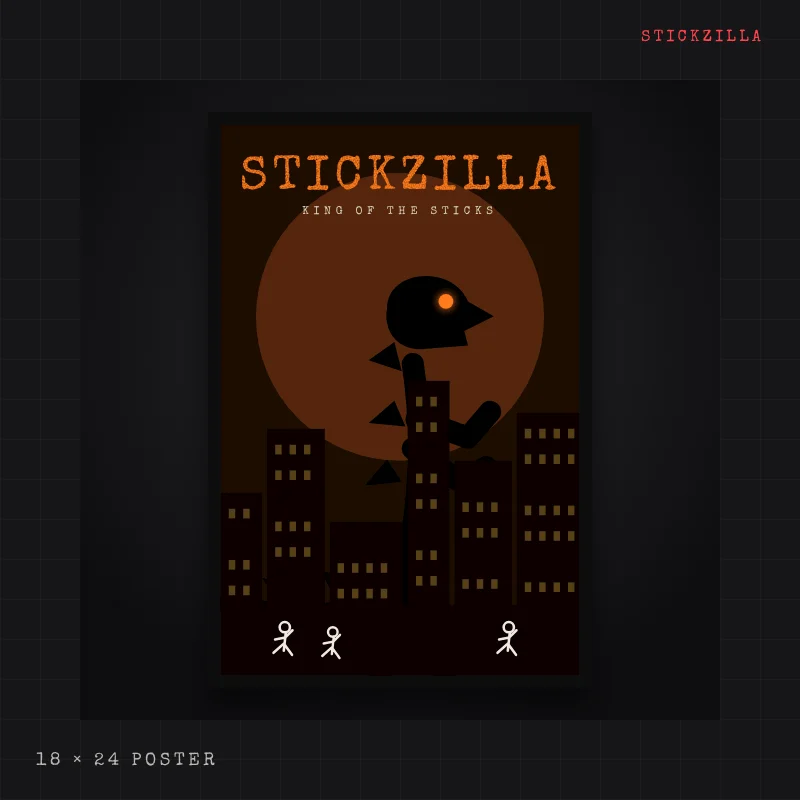
Super Beast, S.W.A.T., Escape from Greenville, Stickzilla and more from the classic series, redrawn as concept designs. Nothing is for sale yet: vote on whether the store should open and suggest designs.
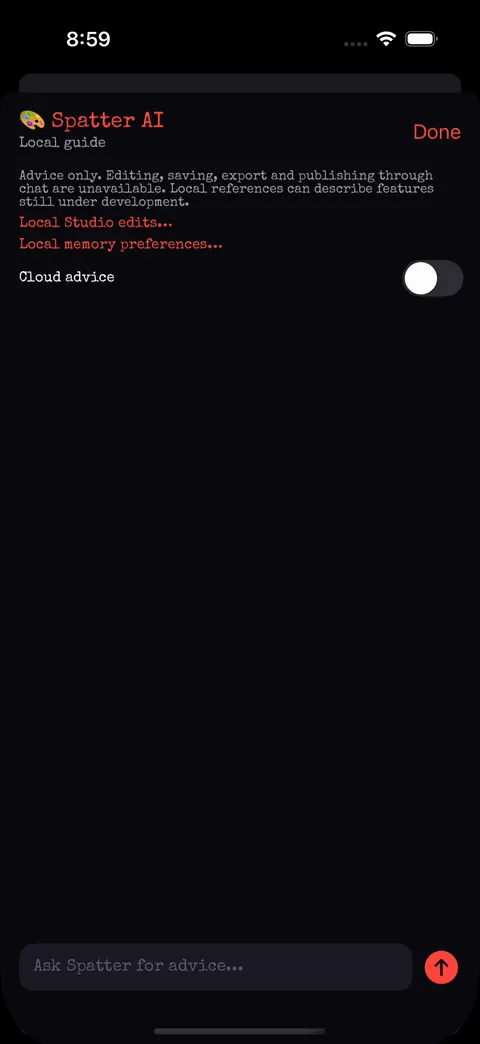
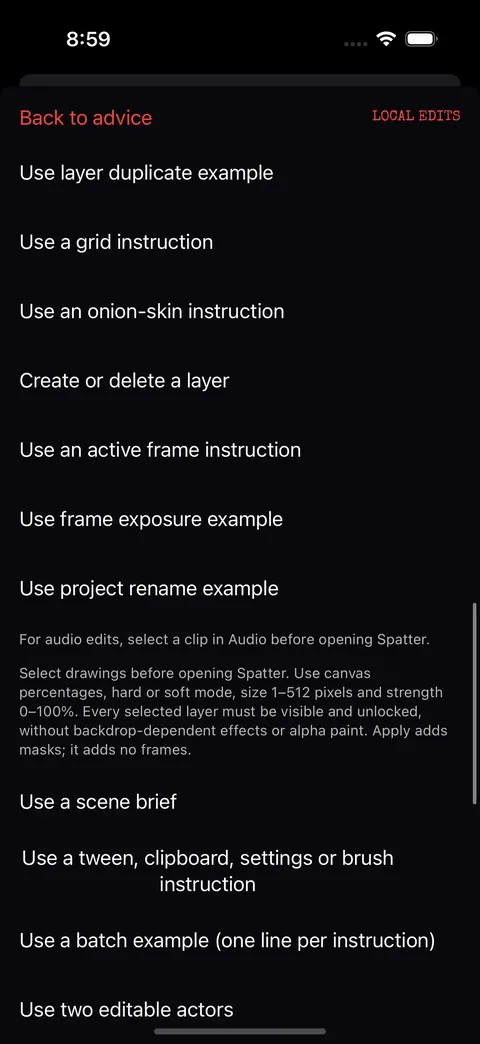
Spatter
Spatter is the Studio assistant. It answers from a local guide, and it can apply typed Studio operations, the same commands you use, as a single undoable edit: add frames, set exposure, rename a layer, place a sound, or append a small stick-figure motion recipe.
In the app todayNeeds owner configurationDeliberately not built
Ask Spatter, step by step →Community
Collaboration is invitation-based and project-scoped. Contests are between videos, decided by viewers. Publishing needs your explicit permission for each exact render. All of it is built in the app and the backend candidates, and it goes live when the owner installs the backend.
Create a room for one project, send a forwardable invite code that expires and can be revoked, approve who joins, and edit the same canonical document with conflict handling. No chat, no calls, no screen sharing.
How Rooms work →Creators submit rendered videos and agree to a matchup. Signed-in viewers cast one vote each; results come only from finalised votes. Badges and win/loss records are off unless you turn them on.
Contest rules →The home feed lists renditions that passed moderation and owner approval. Challenges run on the server clock with a calendar view. Likes, follows and sharing are account actions, never automatic uploads.
Feed, challenges and publishing →Status on 2026-10-14: native clients and SQL candidates exist with tests; the live service needs the owner's backend installation and sign-in configuration. Nothing here shows invented scores, viewers or matches.
Platform status
The SwiftUI Studio is under active development and verified by automated journeys on the simulator in every run. App Store and TestFlight availability is not announced here; there is no installer on this page.
See the real captures →A native Kotlin and Compose client with local projects, ten brush families, shapes, text, fill, layers with lock modes and blend modes, onion skin, four-track audio and PNG, spritesheet, GIF and MP4 export. Continuous integration builds a debug APK; device verification is deferred.
Android scope and limits →Product information, real captures, a browser flipbook toy and searchable help. No analytics, no trackers, no account login on public pages. The command center and account pages are configuration-gated shells.
Website data choices →Editable project formats are not fully interchangeable yet: Android imports a subset of iOS backups; Android-to-iOS transfer of textured brushes, shapes, text, images and audio is not implemented.
Pricing
These are the owner's approved plan names and monthly price points. They are not on sale yet: web checkout on the account page is not connected, the app shows the store's own price at purchase time, and no annual plan is configured.
Free
Draw, animate and export on your device, no account required, with a few limits.
USD 4.99 / month
The full Studio, your own AI key, and a Spatter allowance kept within what the plan pays for.
USD 9.99 / month
Everything in Creator, without a Spatter allowance.
Spatter credits: one credit is one Spatter prompt. Buy a pack in the app to keep going after your plan's allowance, or to use Spatter on Free without a subscription. Pack prices are shown by the App Store or Google Play. Credits are added only after the StickDeath server confirms the purchase.
Source: the billing contract in the repository (two monthly products, USD 4.99 and USD 9.99, plus Spatter credit packs). Nothing is charged from this website. Understand asset rights →
FAQ
Status as of October 18, 2026, read from the repository. Where something is not available yet, it says so.
Not yet. The iPhone app is a prerelease under active development and there is no App Store or TestFlight link on this site. The Android client builds in continuous integration but has not been verified on devices. Platform status →
Free, Creator (USD 4.99 a month) and Pro (USD 9.99 a month), plus Spatter credits for extra assistant prompts. There is no free trial and no annual plan. None of it is on sale yet: the app stores will show their own price at purchase time. Plans →
No. The Studio works on your device without an account. An account is for Rooms, War Room, the feed, challenges and publishing, and those go live when the owner installs the backend.
On your device. Saving, opening or exporting a project never uploads it. The server keeps only account, access, vote, consent, billing and job records. Keep your own backups: an exported picture or video does not replace the editable project.
No. Rooms are invitation-only collaboration on one project you choose to share, with no chat, camera, microphone or screen sharing.
The Studio assistant. It answers questions and can carry out the same Studio actions you can. On Free you can see it and its suggested prompts; answers need Creator, Pro or Spatter credits. Videos Spatter generates are approved by the owner, exact render, before they are shown anywhere.
No. Official-channel publishing needs your separate permission for each exact render, a rights check, moderation and the owner's approval. Marketing reuse is a different permission, and you can withdraw either. Publishing permissions (draft) →
No. Historical StickDeath artwork, sounds and animations are not part of the app. The sound and picture libraries are licensed free assets, credited on the attribution page. Attribution →
Search the help desk below. To send a request to the team, sign in on the account page and use Contact support (available once the account services are installed); you get a receipt to quote.
The help desk
Task-based guidance for the implemented workflows. Each topic lists its platform, limits, status, review date and the source files it was read from.
Prepare a plain-text summary on your device. This form is not a support submission and does not create a ticket. To send a request to the team and get a receipt, sign in on the account page and use Contact support; it works once the account services are installed on the backend.
Do not include passwords, payment details or private project contents.
Data & trust
This website uses no analytics, advertising trackers, login SDKs or remote help requests. Search runs in your browser. The flipbook toy draws in your browser and never uploads a frame. The support-summary form prepares text in this page; only your Download or Copy action places a copy in your downloads or clipboard. External links follow the destination’s access and privacy rules.
Native app account services have separate behaviour described in the draft policies linked below. Editable projects and originals stay on your device; the backend keeps only essential identity, access, vote, consent, billing and job metadata.